If you are trying to stay compliant with EU tachograph rules, the card reader you choose matters more than most teams expect.
A weak reader causes failed downloads, slow workflows, and missing card data. A good reader makes driver card download fast, repeatable, and audit-ready.
This guide explains what to look for when buying a tachograph card reader and how to avoid common compatibility mistakes.
Why the card reader is critical for compliance
Driver card data must be downloaded at least every 28 days. If downloads are missed or delayed, operators can face fines during roadside checks or company audits.
The card reader is the first step in that compliance chain:
- Read card data correctly
- Export valid .ddd files
- Send data into your tachograph software
- Trigger infringement analysis and risk alerts
If the hardware fails, the whole process fails.
Main reader types
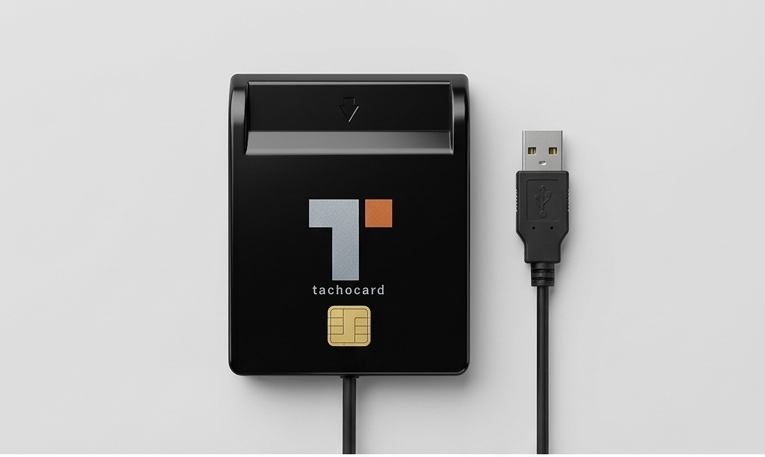
1. USB tachograph card reader (most common)
Best for office and dispatch workflows. A USB reader connects to laptop or desktop and is typically the most stable setup for frequent downloads.
Use case:
- Daily fleet operations
- Compliance teams processing multiple drivers
- Fast batch-style upload workflows
2. Android-compatible card reader (mobile workflows)
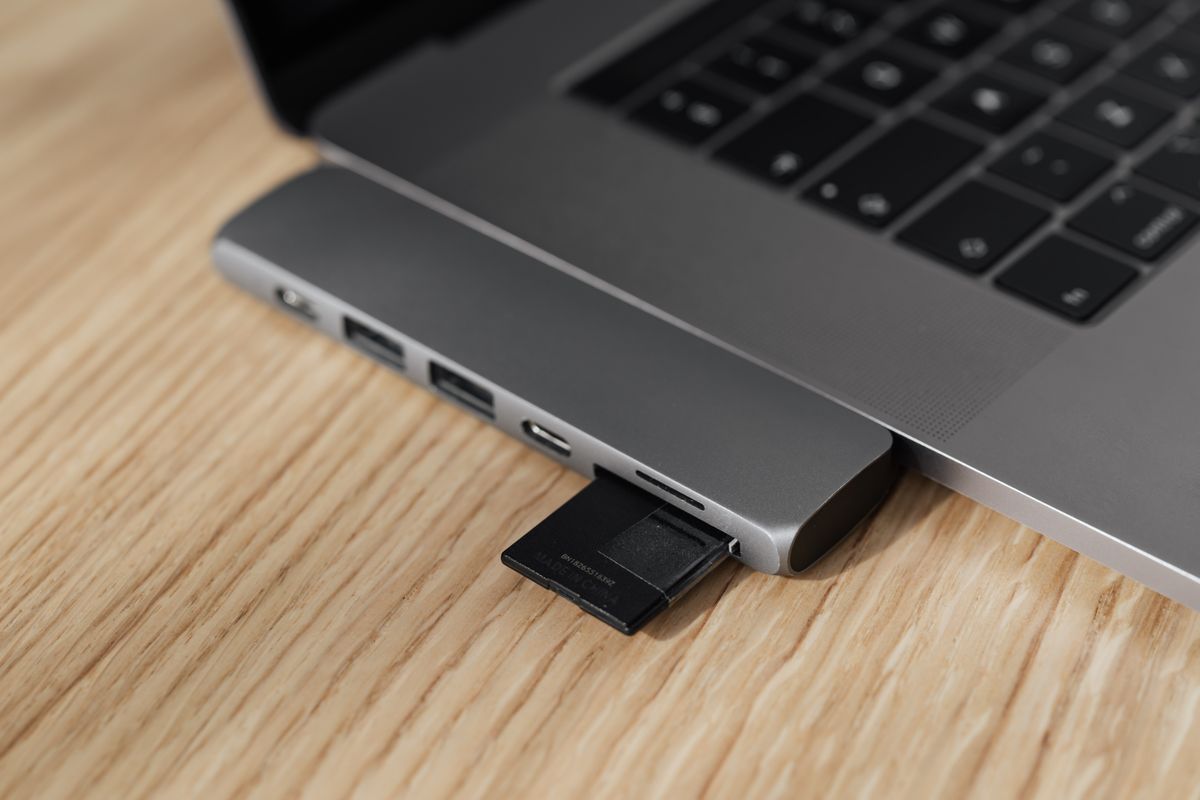
Useful when drivers need to download while away from base. Usually connected through USB-C OTG adapter.
Use case:
- Owner-drivers
- Remote fleets
- Drivers who do not return daily to office
3. Legacy readers (avoid for growth)
Some low-cost or old models work only with older card generations and create reliability issues with newer smart tachograph cards.
Gen 1 vs Gen 2 compatibility
One of the biggest buying mistakes is assuming every reader supports smart tachograph Gen 2 cards.
Always verify:
- Support for Gen 1 and Gen 2 driver cards
- Stable read speed with larger card histories
- Driver support on current operating systems
If your fleet is mixed, choose a reader that handles both generations from day one.
Buying checklist for a tachograph card reader
Before purchasing, confirm these points:
- Works with your OS: Windows, macOS, or Android.
- Supports smart tachograph Gen 2 cards.
- Stable USB connection with no random disconnects.
- Works with your tachograph software platform.
- Produces clean .ddd files every time.
- Vendor has support and replacement policy.
Performance factors that affect real usage
Read speed
The difference between a 20-second and 90-second download sounds small, but at scale it creates bottlenecks for dispatch teams.
Connection stability
Unstable cables and weak ports cause partial reads and retries. This is one of the top hidden causes of missed 28-day deadlines.
Software pairing
A reader is only useful if your software can immediately parse and analyse the file. Hardware and software should be treated as one workflow.
Typical setup that works for fleets
A practical baseline setup for most operators:
- 1 to 2 USB readers in the office
- TachoCard cloud account for each driver
- Weekly compliance review in dashboard
- Automatic reminders for upcoming 28-day deadlines
This setup is simple, scalable, and enough for most small and medium fleets.
Common mistakes to avoid
- Buying by price only, ignoring Gen 2 support
- Using one shared unstable cable or hub for all downloads
- Assuming mobile-only setup is enough for full fleet workflow
- Not testing reader + software together before rollout
- No backup reader available
FAQ
Is a cheap generic smart card reader enough?
Sometimes for occasional use, but many generic readers are inconsistent with tachograph workflows. For compliance-critical use, choose a reader tested with tachograph software.
Can I use the same reader for driver cards and company cards?
Reader hardware may support both card types, but operational workflow differs. Driver card download and vehicle unit/company card operations are separate compliance steps.
Can I download driver card data on Android?
Yes, if your phone supports OTG and your reader is compatible. For higher volume, office USB workflows are still more efficient.
How often should I test the reader health?
At least monthly. Also test immediately after OS updates, app updates, or replacing cables/adapters.
Recommended next steps
- Review your current reader fleet and confirm Gen 2 support
- Standardize one tested reader model per office
- Pair hardware with a consistent software workflow
Continue with: